FRONTLINES Roblox FRONTLINES Tools
Practical calculators for aim feel and Credit planning — no download required.
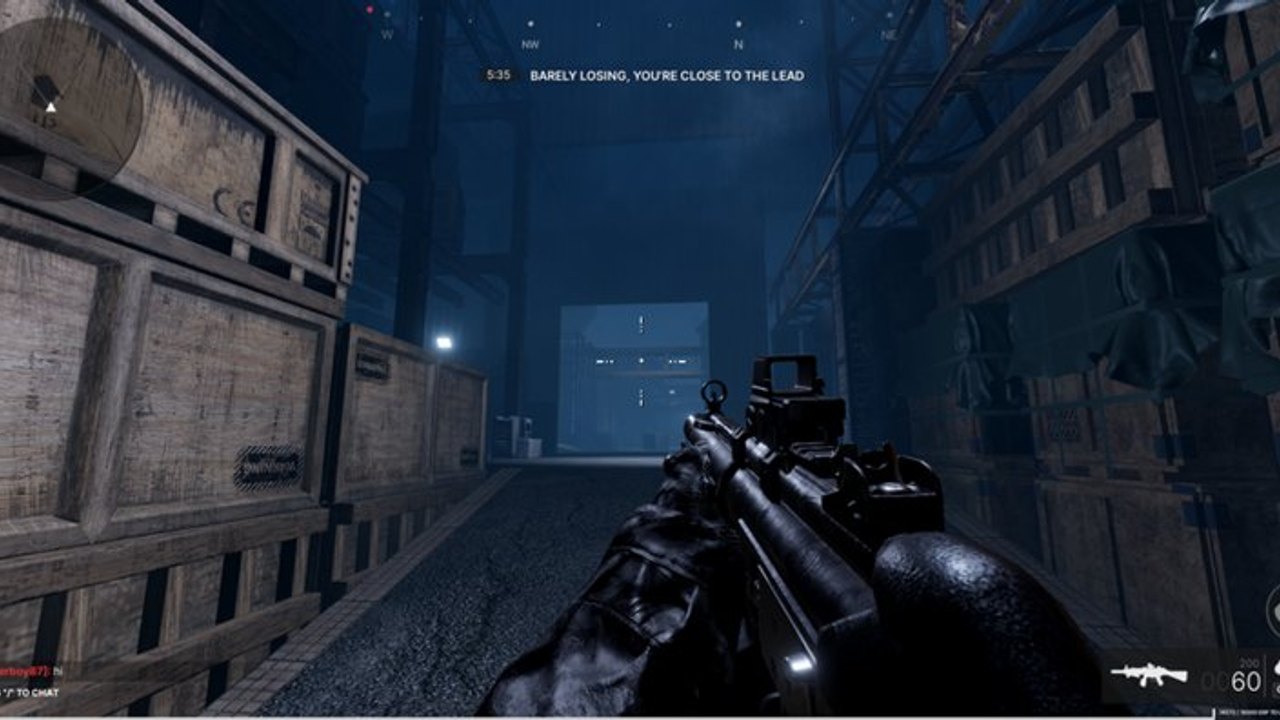
Guides teach systems. Tools help you apply them in under a minute. This Tools Hub collects interactive helpers for FRONTLINES players who want cleaner aim and smarter unlock spending without installing anything shady.
Sensitivity calculator
Mouse DPI and in-game sensitivity combine into a cm/360 distance that serious FPS players track. If your crosshair feels slippery on Nightwing sprays or sluggish while tracking with an AWM, open the Sensitivity Calculator. Pair results with practice advice in Controls and stability tips in FPS Performance.
A consistent sens across sessions matters more than copying a streamer’s exact number. Use the calculator to document your baseline before you change attachments that alter visual recoil.
Credits calculator
Unlocking seven primaries, secondaries, skills, and attachments turns into a spreadsheet problem. The Credits Calculator helps estimate how far your level-driven Credits might stretch toward a target purchase. Read it beside Level Up and Credits so the numbers map to real shop priorities.
Remember: codes are not a reliable shortcut today — confirm on the codes hub.
How tools fit the rest of the wiki
- Warm up sens → calculator
- Pick a gun from the weapons tier list
- Build attachments via Attachments
- Plan remaining Credits → credits calculator
- Review primary weapons if you still feel undergunned
Why we built these
FRONTLINES players already juggle map knowledge, recoil patterns, and objective timers. Lightweight browser tools reduce guesswork without turning the wiki into another adware download site. Everything runs on-page.
Related hubs
- Guides Hub for tutorials
- Tier List Hub for rankings
- Players Hub for roster detail
- Updates Hub when economy values change
Workflow for new players
Start here when you feel lost in the progression spreadsheet:
- Open Sensitivity Calculator — document cm/360 before changing DPI.
- Read Getting Started for first-hour priorities.
- Pick a gun from primary weapons matching your map pool.
- Open Credits Calculator with shop prices copied from the game.
- Queue 7v7 with graphics 1–3 and
/votekickready per Votekick and Hackers.
What these tools are not
They are not executors, aimbots, or script loaders — see scripts for why those paths fail. They are not official MAXIMILLIAN products; confirm economy values after Discord posts on official links. They do not replace live match reps — calculators plan, gunfights prove.
Future tool ideas
If MAXIMILLIAN publishes API-level stat exports or attachment math, we may add converters here. Until then, sensitivity and Credits cover the highest-friction planning tasks FRONTLINES players ask about. Suggest gaps via community channels, not sketchy download sites.
If a future patch renames sensitivity sliders or Credit rewards, we will retune copy on both tool pages. Until then, use them as planning aids, then prove the settings in a live 7v7.
Frequently Asked Questions
Quick answers for FRONTLINES operators.
What tools are available?
A sensitivity calculator and a credits calculator.
Do I need to download software?
No. Both tools run in the browser on this wiki.
Will the credits calculator match the shop exactly?
It estimates. Always confirm prices in-game after patches listed on updates.
Can tools replace practice?
No. They support practice. Combine them with Getting Started and live matches.
Are these official MAXIMILLIAN tools?
No. Fan-made utilities. See official links for studio channels.