FRONTLINES Roblox FRONTLINES Sensitivity Calculator
Keep your cm/360 stable when DPI or sliders change.
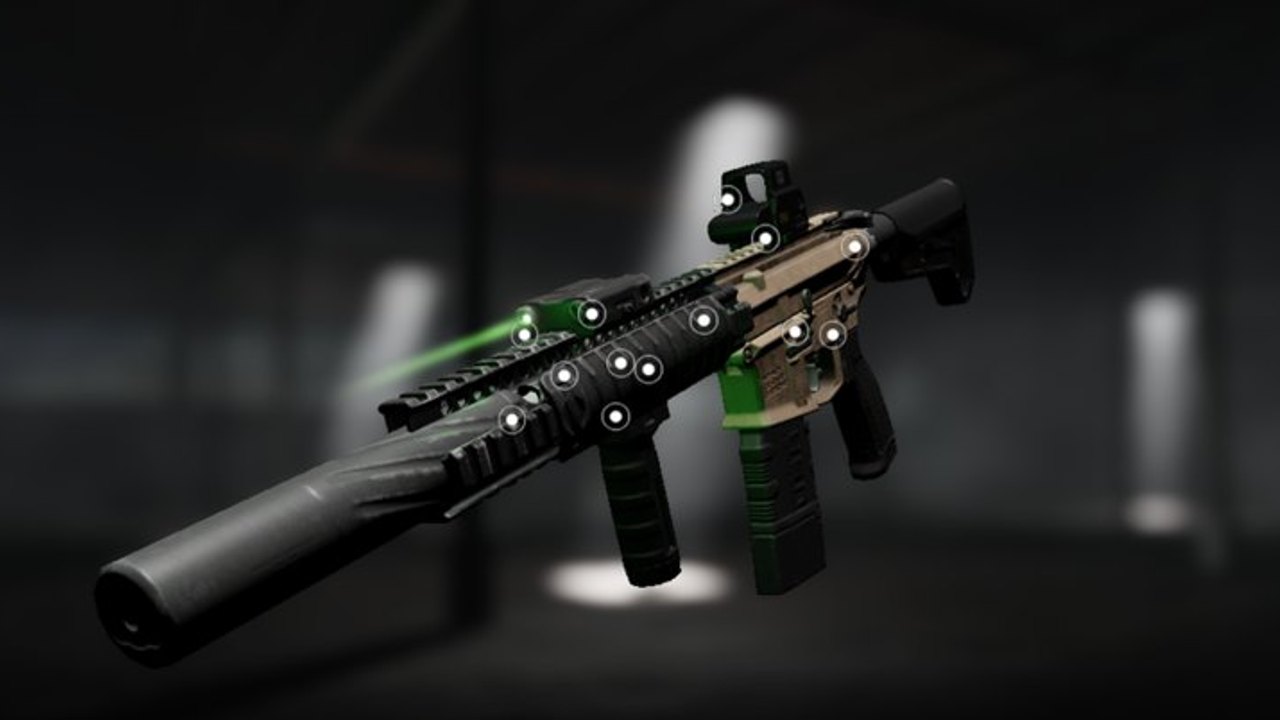
Aim consistency separates FRONTLINES operators who improve from operators who blame every gun. This page embeds a live calculator and explains how to use cm/360 with Controls and the weapons tier list.
Use the calculator
Enter mouse DPI, your in-game sensitivity, and yaw (default 0.022 works for many converters). The tool outputs an estimated cm/360 — how many centimeters you move the mouse for a full turn.
Sensitivity calculator
Estimate cm/360 from mouse DPI and in-game sensitivity so your FRONTLINES tracking stays consistent.
cm/360: —
Tip: change one value at a time, then play three matches before judging. Pair with the controls guide for binds.
How to apply results in FRONTLINES
- Write down your current cm/360 before changing anything.
- Adjust DPI or in-game sens, not both at once.
- Play three matches on a familiar map from Maps and Modes.
- If tracking Nightwing sprays overshoots, raise cm/360 (lower sens). If AWM flicks feel sticky, lower cm/360 (raise sens).
- Re-check after big FPS changes — see FPS Performance.
Why yaw is editable
Roblox experiences do not always publish Source-engine yaw. The default is a community converter baseline. If your measured turn distance disagrees with the estimate, nudge yaw until the number matches a real desk ruler test.
Pair with loadouts
Sensitivity will not fix a wrong gun for the lane. Confirm kits on primary weapons and attachments via Attachments. Plan unlocks with the credits calculator.
Related pages
Measuring cm/360 at your desk
Digital calculators estimate turn distance; a ruler test confirms it. Mark a starting point on your mousepad, swipe until your character spins exactly 360 degrees in a private or low-pressure lobby, measure the travel in centimeters, and compare to the tool output. Adjust yaw slightly if the numbers disagree — Roblox experiences do not always publish official yaw constants.
Sensitivity ranges by role
| Role | cm/360 tendency | Why |
|---|---|---|
| CQB SMG | Lower cm (higher sens) | Fast target tracking in Factory |
| Mid AR | Medium | Strafe fights on Cavalcade |
| Sniper | Higher cm (lower sens) | Stable flicks on Launch Canyon |
These are starting bands, not laws. Pro players with tiny desk pads run higher sens; arm aimers run lower. Document your baseline before copying streamers.
DPI changes without wrecking muscle memory
If you buy a new mouse or change DPI for work, keep cm/360 constant: multiply old DPI by old in-game sens, divide by new DPI, set the result as new in-game sens. Test three matches on a familiar map from Maps and Modes before judging.
Mobile and controller note
This tool targets mouse DPI users. Mobile players should prioritize HUD layout in Controls and graphics 1–3 from FPS Performance. Controller players can still track rough look sensitivity changes when Roblox updates aim curves — re-test after patches on updates.
Loadout coupling
Nightwing sprays need consistent tracking sens; AWM flicks need stable lower sens. If you swap mains between sessions, consider separate Roblox accounts or disciplined sens profiles — mixing sniper and SMG on one sens without compromise is hard. Fund the right gun via credits calculator after sens is stable.
ADS vs hipfire sensitivity splits
Some players run identical sens for both; others drop ADS sens slightly for AWM scopes. If FRONTLINES exposes separate sliders, test each with three duels per setting. Nightwing hipfire tracking may want marginally higher effective sens than The Fix scoped flicks on Launch Canyon.
Weekly sens audit habit
Once per week, re-measure cm/360 before ranked-feeling sessions. DPI software profiles, Windows updates, and Roblox patches can nudge feel without moving sliders. Write the number in a notes app beside your main loadout from skills loadouts.
Train the same sens until it is boring. Boring sens is reliable sens.
Frequently Asked Questions
Quick answers for FRONTLINES operators.
What is cm/360?
The mouse travel distance required to rotate 360 degrees. Lower cm means higher effective sens.
Should I copy a streamer’s sens?
Only as a starting point. Match their cm/360 roughly, then tune for your desk space.
Does mobile use this tool?
It is designed for mouse DPI. Mobile players should focus on HUD comfort in Controls.
Why did sens feel different after lowering graphics?
Frame rate changes perception. Recalibrate here and read FPS Performance.
Where is the credits tool?
Open the credits calculator.